BluPri Devlog #1 — Building the core features
For the last few weeks I have been building and testing different core features for BluPri. I built the core features all in different projects to test around and play with them, so I can see how they work and how difficult each feature is.
I started building with the basics, adding squares to the canvas. With this simple feature I started building a little more complex feature, select a square and resize on drag. In the beginning I struggled with getting the drag handles in the correct position. After I got the drag handles in the correct position I started with the logic behind it to get it to resize. Well the logic wasn’t that difficult but I struggled once again with the drag handles to get them in the correct position when dragging to a bigger or smaller square. After this feature I started with a slightly simpler feature and that is changing the size of the square with a text field. I reused some of the logic from the previous feature and got it working really fast.

Since layers can be on top of each other I started playing around with ZStacks. I added three squares on top of each other and with a list drag and drop I can rearrange the order of the squares to decide who needs to be on top or at the bottom.
After I got the feel for the basics I started with an important but really complex feature, the canvas screen size option. I won’t lie, this was difficult to get working. The complex part I struggled with was adding components to the canvas so they lay on top of it and only show inside the canvas and not outside it. With this feature I leaned heavily on trial and error and with the help of AI assistance I got it working. This is not the best code I wrote but it works and can help me when I add everything together. The cleaning up and making good code is a future me problem.
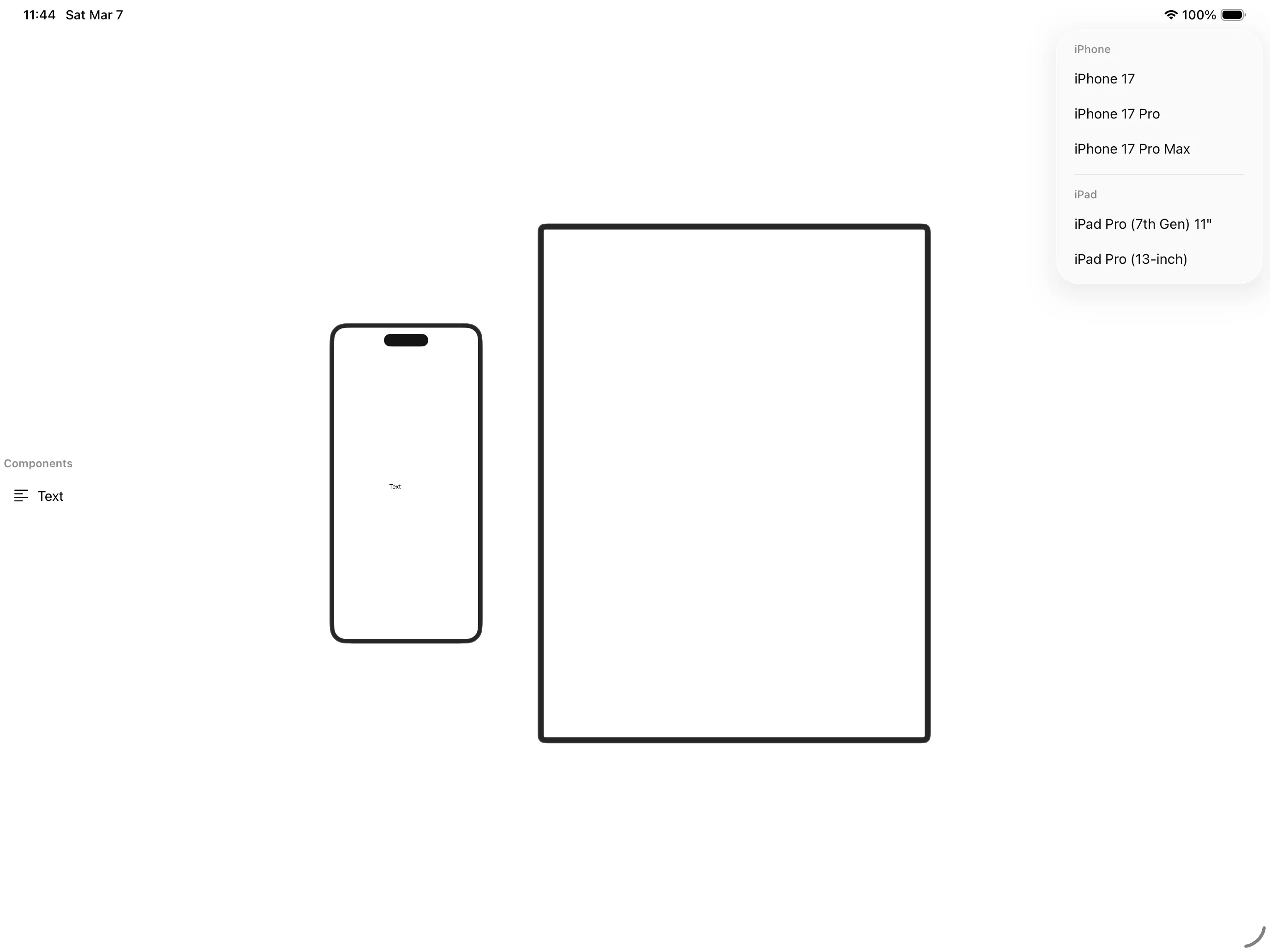
The last feature I worked on was an option to export the elements shown on screen to a SwiftUI file that can be dropped into an Xcode project. I started really simple — a button for the export and a square with a title as a test. The hard part was figuring out how to export exactly what’s showing on screen. The solution was modeling the components to the view hierarchy so the same structure could also be used in the export function. After I got that working I needed to clean up the file output, like fixing tabs that were in the wrong position.
So now I know the core features can be built, they just need to be put together. But before I do that I want to start by designing the BluPri interface first. I like to know how it looks visually before I wire up all the functionality.